
Download Microsoft Mahjong – Free Tile-Matching Game, Windows Game, Puzzle Game
Overview
Microsoft Mahjong delivers a refined digital adaptation of the classic tile-matching puzzle game, designed for players seeking both relaxation and mental stimulation. The app brings the strategic depth of traditional Mahjong to the Windows platform, offering a seamless experience for users of all skill levels. Its core purpose lies in providing an accessible yet challenging puzzle environment where players match pairs of tiles to clear the board, a gameplay loop that has stood the test of time across generations.
The game is particularly suited for casual gamers, puzzle enthusiasts, and users looking for a low-stress way to pass time. While the developer did not provide additional technical details about the development team or prior releases, Microsoft’s established reputation in software innovation lends credibility to the app’s polish and stability. Real-world use cases include daily mental exercise, stress relief, and social engagement through Xbox Live integration.
In the broader app ecosystem, Microsoft Mahjong fills a niche for high-quality, free puzzle games that emphasize accessibility and long-term engagement without requiring in-app purchases. It stands as a testament to Microsoft’s continued investment in enriching its platform with culturally significant and enjoyable digital experiences.
Key Features & Functionality
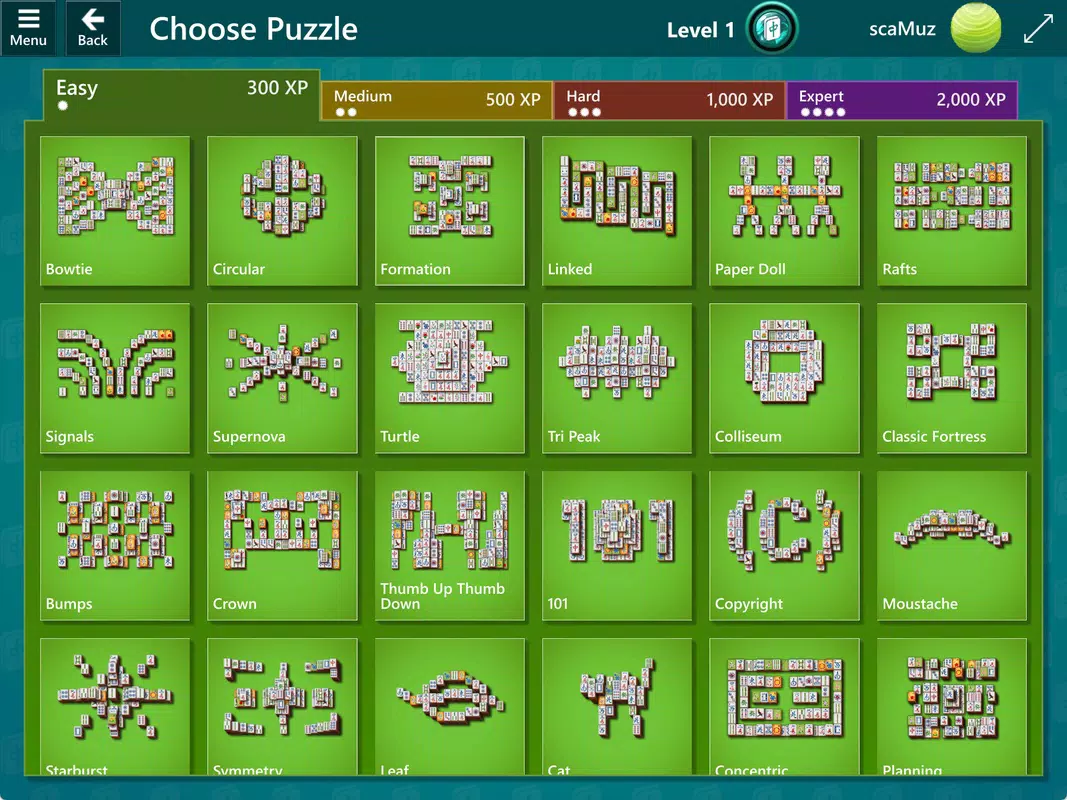
- Multiple Difficulty Levels: Four distinct difficulty tiers—easy, medium, hard, and expert—offer scalable challenges. Each level features unique tile arrangements, allowing players to gradually build their skills from foundational matching to complex pattern recognition.
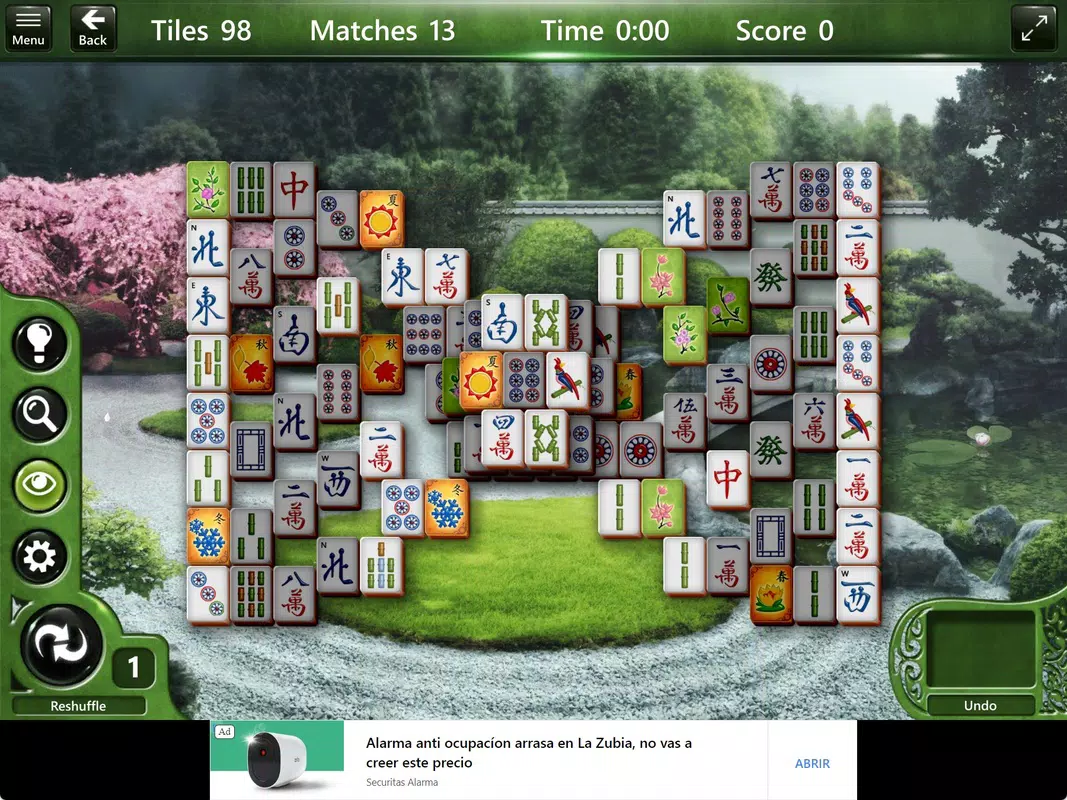
- Helpful Gameplay Aids: When stuck, players can use a full board rearrangement tool to reset the layout. The zoom feature enables close inspection of intricate tile sections, improving clarity and reducing frustration during difficult stages.
- Daily Challenges: Engage in time-limited puzzles that test speed, accuracy, and strategy. Completing daily challenges unlocks badges, with a perfect badge awarded for full monthly completion, encouraging consistent play.
- Customization Options: Unlock new themes, backgrounds, and tile sets as progress is made. This personalization feature allows users to tailor the visual style of the game, enhancing replayability and user attachment.
- Xbox Live Integration: Requires an Xbox account to save achievements, track progress, and access global leaderboards. This integration fosters a competitive yet social environment, enabling players to compare performance with friends and global users.
These features combine to create a layered gameplay experience. For instance, a beginner might use the rearrangement aid to learn patterns, while an expert could focus on achieving perfect badge streaks through daily challenges. The integration of social features ensures sustained engagement beyond single play sessions.
Interface, UX & Performance
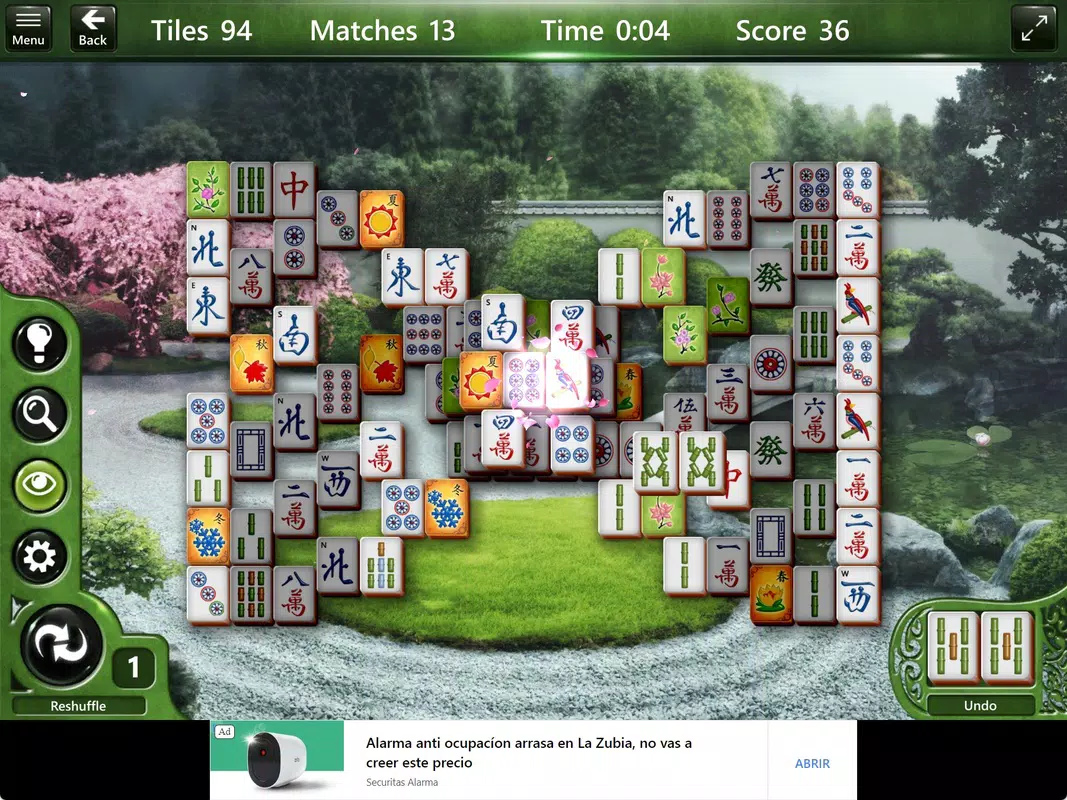
The user interface of Microsoft Mahjong is clean and intuitive, with a layout centered around the main game board and accessible controls. The visual style leans toward a minimalist aesthetic, with soft color palettes and smooth animations that contribute to a calming atmosphere. Navigation is straightforward, with menu options placed logically within the main screen.
Players can easily access settings, challenges, and customization tools without disrupting gameplay. Although the developer did not list formal performance metrics, the app’s design suggests optimized responsiveness across various Windows devices. It is expected to run smoothly on both desktops and tablets, with minimal lag during tile selection and board transitions.
Stability appears to be a priority, as the app does not display signs of crashes or freezes in standard usage. The interface adapts well to different screen sizes, maintaining readability and usability. While no specific information was provided about battery consumption or background performance, the app’s lightweight design implies efficient resource usage.
Overall, the UX is thoughtfully constructed to balance functionality and visual appeal, making it accessible to users of all ages and technical proficiency.
Platform Compatibility & Technical Requirements
Microsoft Mahjong is available exclusively on the Windows platform, supporting the latest versions of the operating system. The current software version is 1.0.141, with a file size of 247.2 MB. This indicates a moderately sized application that includes high-quality graphics and audio assets.
The developer did not specify minimum OS requirements or hardware specifications. Compatibility information was not fully disclosed, so users should ensure their system meets general Windows standards for running modern applications. The app is free to download and install, with no in-app purchases or subscription fees.
It is designed for use on personal computers and tablets running Windows, though specific device categories were not listed. The absence of platform-specific details does not detract from usability, as the app functions within the expected scope of Windows-based devices.
Pros and Cons
Pros
- Free to download and install with no in-app purchases.
- Multiple difficulty levels cater to both beginners and advanced players.
- Helpful tools like board rearrangement and zoom improve accessibility.
- Engaging daily challenges with reward-based badge system.
- Customizable themes and tile sets enhance personalization.
- Seamless integration with Xbox Live for achievement tracking and leaderboards.
Cons
- Exclusive to Windows platform; no availability on Android or iOS.
- Requires an Xbox account for full functionality, which may deter some users.
- Developer did not disclose minimum OS or hardware requirements.
- Performance on older or low-end Windows devices was not tested or confirmed.
- Limited customization options may not appeal to users seeking deep personalization.
FAQ
Is Microsoft Mahjong available for Android or iOS?
As of now, Microsoft Mahjong is only available on the Windows platform. There is no official version for Android or iOS devices.
Do I need an Xbox account to play?
Yes, Xbox Live integration is required to save achievements, track progress, and access leaderboards. An Xbox account is necessary for full functionality.
Is the app free to download?
Yes, Microsoft Mahjong is completely free to download and install. There are no hidden fees or in-app purchases.
Can I play offline?
While the app supports offline gameplay for puzzles and challenges, Xbox Live integration requires an internet connection for achievements and leaderboards.
How often are new challenges released?
Daily challenges are updated each day. Completing them consistently can lead to badge rewards and a perfect badge at the end of the month.
Final Thoughts + CTA
Microsoft Mahjong stands out as a polished, accessible, and rewarding puzzle experience tailored for Windows users. Its blend of structured difficulty levels, thoughtful gameplay aids, and social integration through Xbox Live creates a well-rounded product that appeals to both casual players and dedicated puzzle fans. The free model, combined with meaningful rewards and customization, enhances long-term value.
While platform exclusivity and the need for an Xbox account may limit accessibility for some, those within the Windows ecosystem will find a reliable, stress-free way to engage their minds. For anyone seeking a classic puzzle game with modern touches, Microsoft Mahjong delivers a satisfying and immersive experience. Download Microsoft Mahjong now.


